



Why AI writing apps are useful in 2026
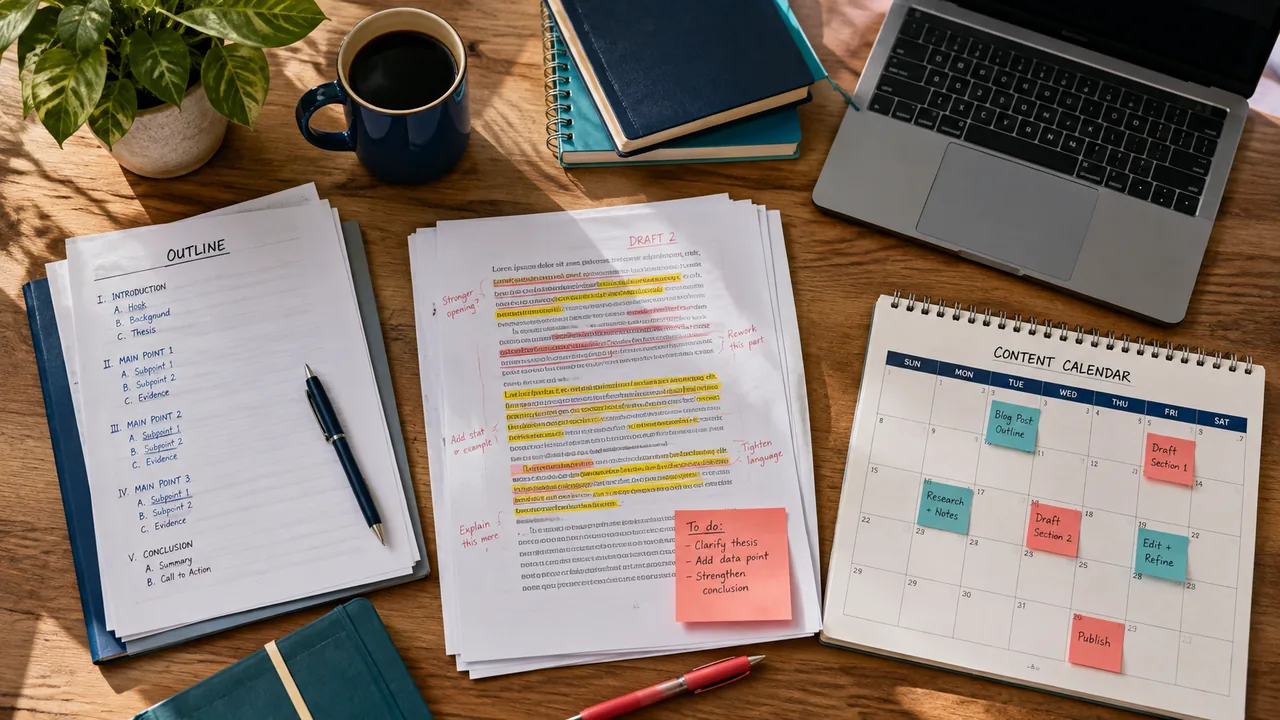
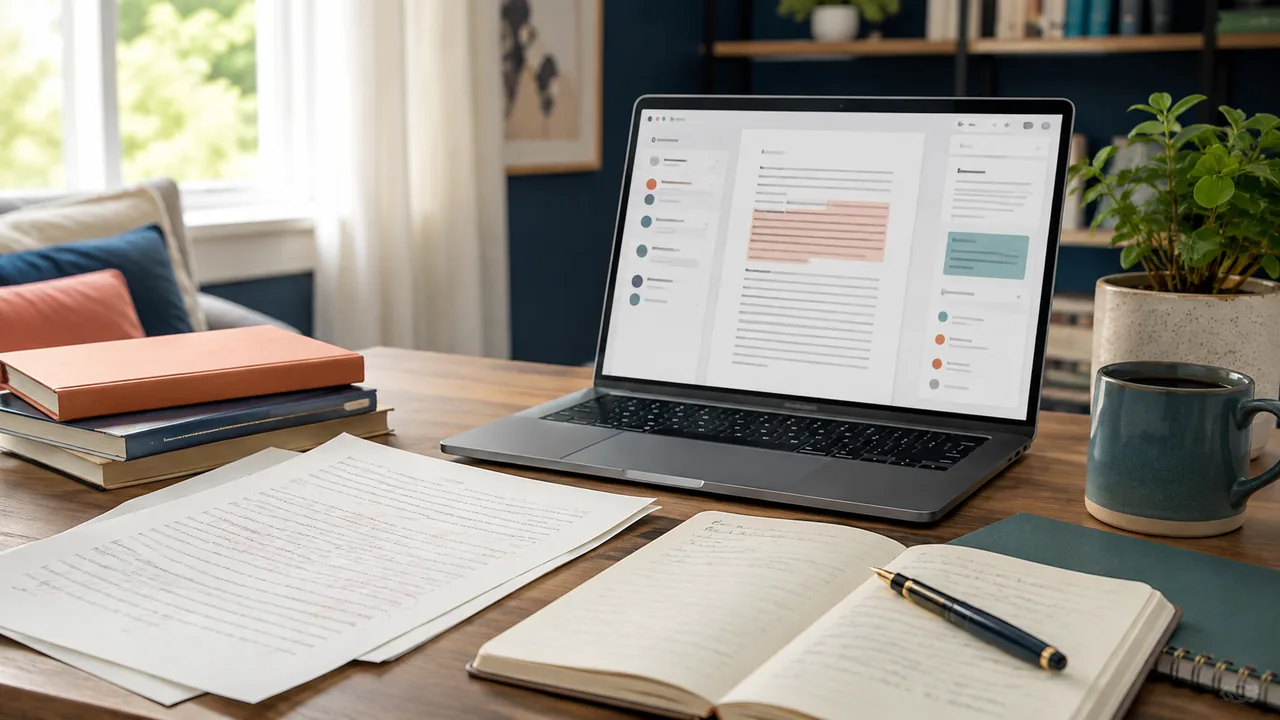
AI writing apps are no longer one category with one job. Some are editors that improve a sentence already on the page. Others are co-writers, research companions, or team systems that keep a brand voice consistent. That difference matters more than a glossy feature list. A student polishing an essay needs control and citations; a marketing team needs repeatable briefs, approvals, and reusable voice rules.
This roundup treats each product as a workflow choice. It does not promise that any app can replace reporting, subject expertise, or a final human edit. Instead, the ranking emphasizes clear use cases, accessible entry points, and the kind of output a reader can verify before publishing.
How this Top 10 was selected
The list is built from apps with live AiSulivo pages and established writing use cases: grammar and clarity, rewriting, generative drafting, source-grounded research, collaborative documents, or content production. We favored products whose purpose can be explained in one sentence and whose workflow is visible to a reader.
Plan names and limits change, so the cards use a simple access label rather than invented prices. Before committing, open the app page, check the current plan, read its privacy terms, and test a representative paragraph. For confidential material, use the strongest available data-control settings and avoid pasting information you are not allowed to share.
Quick comparison table
| App | Best for | Writing job |
|---|---|---|
| Grammarly | Best overall editor | Grammar and tone |
| Jasper | Best for marketing teams | Brand voice |
| Wordtune | Best for rewriting | Sentence rewrites |
| ChatGPT | Best flexible co-writer | Drafting |
| Claude | Best for long drafts | Long context |
| Notion | Best for team docs | Workspace writing |
| Canva | Best for visual content | Copy and design |
| Gemini | Best for Google workflows | Drafting |
| NotebookLM | Best source-grounded writing | Source summaries |
| Perplexity | Best research-first drafting | Web research |
Detailed reviews of the Top 10 AI writing apps
Grammar and tone and practical day-to-day drafting.
Rewrites and clarity without replacing the writer’s judgment.
Confirm current plan limits, integrations, and data controls before adopting it for sensitive work.
Clear workflow value and a low-friction starting point.
Output still needs fact-checking, voice editing, and source review.
Jasper
Best for marketing teams: a focused choice for writers whose workflow matches its strengths.
Brand voice and practical day-to-day drafting.
Campaign workflows without replacing the writer’s judgment.
Confirm current plan limits, integrations, and data controls before adopting it for sensitive work.
Clear workflow value and a low-friction starting point.
Output still needs fact-checking, voice editing, and source review.
Sentence rewrites and practical day-to-day drafting.
Tone control without replacing the writer’s judgment.
Confirm current plan limits, integrations, and data controls before adopting it for sensitive work.
Clear workflow value and a low-friction starting point.
Output still needs fact-checking, voice editing, and source review.
ChatGPT
Best flexible co-writer: a focused choice for writers whose workflow matches its strengths.

Drafting and practical day-to-day drafting.
Brainstorming without replacing the writer’s judgment.
Confirm current plan limits, integrations, and data controls before adopting it for sensitive work.
Clear workflow value and a low-friction starting point.
Output still needs fact-checking, voice editing, and source review.
Long context and practical day-to-day drafting.
Editorial feedback without replacing the writer’s judgment.
Confirm current plan limits, integrations, and data controls before adopting it for sensitive work.
Clear workflow value and a low-friction starting point.
Output still needs fact-checking, voice editing, and source review.
Workspace writing and practical day-to-day drafting.
Knowledge context without replacing the writer’s judgment.
Confirm current plan limits, integrations, and data controls before adopting it for sensitive work.
Clear workflow value and a low-friction starting point.
Output still needs fact-checking, voice editing, and source review.
Copy and design and practical day-to-day drafting.
Templates without replacing the writer’s judgment.
Confirm current plan limits, integrations, and data controls before adopting it for sensitive work.
Clear workflow value and a low-friction starting point.
Output still needs fact-checking, voice editing, and source review.
Gemini
Best for Google workflows: a focused choice for writers whose workflow matches its strengths.

Drafting and practical day-to-day drafting.
Workspace context without replacing the writer’s judgment.
Confirm current plan limits, integrations, and data controls before adopting it for sensitive work.
Clear workflow value and a low-friction starting point.
Output still needs fact-checking, voice editing, and source review.
NotebookLM
Best source-grounded writing: a focused choice for writers whose workflow matches its strengths.
Source summaries and practical day-to-day drafting.
Research notes without replacing the writer’s judgment.
Confirm current plan limits, integrations, and data controls before adopting it for sensitive work.
Clear workflow value and a low-friction starting point.
Output still needs fact-checking, voice editing, and source review.
Perplexity
Best research-first drafting: a focused choice for writers whose workflow matches its strengths.

Web research and practical day-to-day drafting.
Citations without replacing the writer’s judgment.
Confirm current plan limits, integrations, and data controls before adopting it for sensitive work.
Clear workflow value and a low-friction starting point.
Output still needs fact-checking, voice editing, and source review.
How to choose an app for your workflow

Start with the bottleneck. If your drafts are sound but messy, choose an editor. If you stare at a blank page, choose a co-writer. If every article begins with a research pile, choose a source-grounded notebook or search assistant. If the problem is consistency across a team, choose a system that stores voice guidance and keeps approvals visible.
Then run a small, repeatable test: give each candidate the same short brief, ask for one rewrite, and check whether it preserves facts, tone, and constraints. Keep the tool that reduces correction time rather than the one that produces the longest first draft.
Questions to ask before you publish
Can AI writing apps replace an editor?
No. They can spot patterns and offer alternatives, but a human still needs to verify facts, intent, originality, and audience fit.
Which app is best for academic writing?
Choose a tool that helps with clarity and source handling, then follow your institution’s AI-use policy. NotebookLM and Grammarly are useful starting points for different parts of that workflow.
Should I use one app for everything?
Usually not. A focused editor plus a research or drafting tool is often easier to control than a single app used for every task.
The practical shortlist
Grammarly, Jasper, and Wordtune are strong starting points for editing and rewriting. ChatGPT and Claude are flexible co-writers. Notion and Canva help teams turn drafts into deliverables, while Gemini, NotebookLM, and Perplexity support research-led workflows. Pick the smallest combination that solves your real bottleneck.
Read more AI guidesDisclosure: AiSulivo may receive compensation from some listed services. Rankings are editorial and based on fit, clarity, and verifiable product purpose; always review current terms before subscribing.