









How We Ranked These AI Design Tools
The best AI design tools do more than generate an attractive first frame. They help a person turn a brief into an editable asset, keep brand decisions visible, collaborate, export useful files, and review rights before publishing. We weighted workflow fit most heavily, followed by feature depth, editability and handoff, usability, platform coverage, value, integrations, rights clarity, and verified availability.
This is an editorial ranking, not a controlled benchmark. We reviewed each current AiSulivo detail page and official product, pricing, help, or licensing information. Displayed star ratings did not determine order. The existing AiSulivo image-generator guide covers prompt-to-image choices; this guide deliberately focuses on the wider design job across brand graphics, product interfaces, vectors, social content, and production review.
The Ranked List at a Glance
Canva is the broadest all-round workspace; Figma leads for collaborative product design; Adobe Firefly fits Creative Cloud editing; and Recraft is the vector specialist. Freepik combines stock and AI assets, while Krea AI emphasizes rapid exploration. Playground AI targets editable campaign graphics, Ideogram focuses on typography, Leonardo AI offers controlled generation, and OpenArt serves character and story workflows.
Do not read the order as a single winner for every task. A product team can reasonably place Figma first; a brand illustrator may prefer Recraft; a campaign team may begin with Canva or Freepik. Use the comparison and limitations below to match the deliverable, file format, collaboration model, and rights requirement.
Compare the 10 AI Design Tools
| Rank | Tool | Best fit | Access | Platforms |
|---|---|---|---|---|
| 1 | Canva | All-round visual communication | Free Plan Available | Web, desktop, iOS, Android |
| 2 | Figma | Collaborative product design | Free Plan Available | Web, Windows, macOS, iOS, Android |
| 3 | Adobe Firefly | Professional generative editing | Free Tier Available | Web, iOS, Android, API, Creative Cloud |
| 4 | Recraft | Vectors and reusable brand assets | Free Plan Available | Web, iOS, Android, Figma, API |
| 5 | Freepik | Stock resources plus AI creation | Free Access Available | Web, iOS, Android |
| 6 | Krea AI | Fast visual exploration | Free Plan Available | Web, iOS, API |
| 7 | Playground AI | Editable social and campaign graphics | Free Access Available | Web, iOS, API |
| 8 | Ideogram | Typography-led concepts | Free Plan Available | Web, iOS |
| 9 | Leonardo AI | Controlled asset generation | Free Plan Available | Web, iOS, Android, API |
| 10 | OpenArt | Character and story workflows | Paid Plans | Web, API, MCP |
Access labels describe a current entry path, not unlimited use. AI credits, public-generation defaults, exports, private workspaces, commercial rights, and team controls can change independently.
Detailed Reviews in Ranking Order
Why it ranks first
Canva spans social graphics, presentations, documents, video, websites, and campaign assets in one approachable editor.
Access and workflow
Free Plan Available; Web, desktop, iOS, Android. Verify plan limits and rights.
Strengths
- Broad output range
- Fast team adoption
Limitations
- Specialist control varies
- AI limits by plan
Why it ranks second
Figma is the strongest fit when the deliverable is an interface, interactive prototype, design system, or developer handoff.
Access and workflow
Free Plan Available; Web, Windows, macOS, iOS, Android. Verify plan limits and rights.
Strengths
- Excellent collaboration
- Structured design systems
Limitations
- Plan complexity
- Overkill for quick posts
Why it ranks third
Adobe Firefly is the practical choice for creators already moving work through Photoshop, Illustrator, Express, or other Creative Cloud surfaces.
Access and workflow
Free Tier Available; Web, iOS, Android, API, Creative Cloud. Verify plan limits and rights.
Strengths
- Creative Cloud fit
- Generative editing depth
Limitations
- Credit accounting
- Ecosystem dependence
Why it ranks fourth
Recraft stands out when a prompt must become an editable SVG, icon, illustration, mockup, or repeatable visual style.
Access and workflow
Free Plan Available; Web, iOS, Android, Figma, API. Verify plan limits and rights.
Strengths
- Real editable vectors
- Production-oriented tools
Limitations
- Free work is public
- Commercial rights require care
Why it ranks fifth
Freepik combines a large stock library with image, video, voice, editing, and upscaling tools.
Access and workflow
Free Access Available; Web, iOS, Android. Verify plan limits and rights.
Strengths
- Large asset library
- Broad creative suite
Limitations
- License varies by asset
- Less UI focused
Why it ranks sixth
Krea is built for rapid visual exploration: real-time generation, multiple image and video models, enhancement, editing, LoRA training, and node-based workflows on higher plans.
Access and workflow
Free Plan Available; Web, iOS, API. Verify plan limits and rights.
Strengths
- Fast feedback loop
- Many creative models
Limitations
- Compute limits
- Free commercial rights excluded
Why it ranks seventh
Playground AI has moved toward complete graphics rather than a single prompt box.
Access and workflow
Free Access Available; Web, iOS, API. Verify plan limits and rights.
Strengths
- Editable elements
- Practical graphic formats
Limitations
- Advanced usage costs credits
- Narrower team controls
Why it ranks eighth
Ideogram is the specialist here for visual concepts that need words: posters, covers, merchandise, signs, and social graphics.
Access and workflow
Free Plan Available; Web, iOS. Verify plan limits and rights.
Strengths
- Strong text rendering
- Editable text layers
Limitations
- Not a full design system
- Complex type still needs review
Why it ranks ninth
Leonardo AI brings generation, image guidance, canvas editing, upscaling, motion, model training, and API access into one creator platform.
Access and workflow
Free Plan Available; Web, iOS, Android, API. Verify plan limits and rights.
Strengths
- Reference controls
- Training and API paths
Limitations
- Token system
- Free creations are public
Why it ranks tenth
OpenArt suits creators building consistent characters, illustrated sequences, short story assets, and model-specific experiments.
Access and workflow
Paid Plans; Web, API, MCP. Verify plan limits and rights.
Strengths
- Character consistency
- Broad model catalog
Limitations
- Paid-first access
- External finishing needed
How to Choose the Right Design Workflow
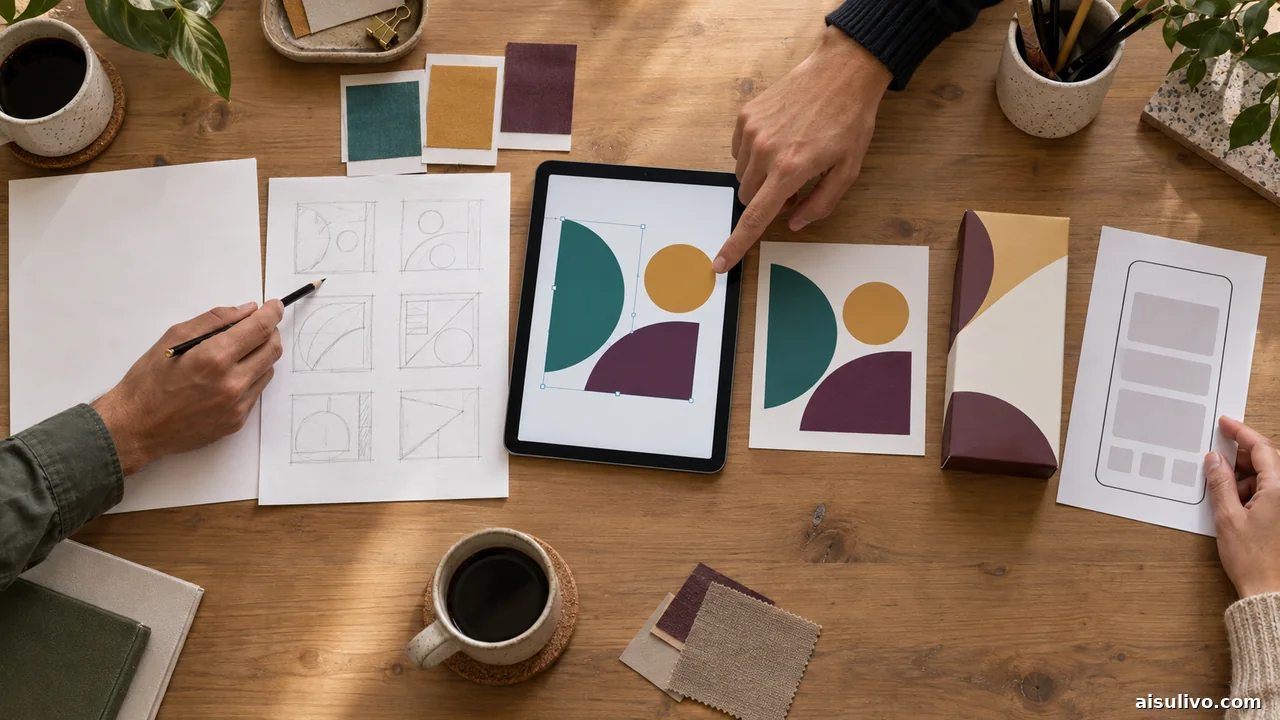
Start with what must leave the tool. For interface systems and developer handoff, prioritize components, responsive layout, prototypes, and inspectable design data. For logos, icons, and print assets, prioritize editable vectors and precise export. For recurring marketing content, templates, brand controls, asset libraries, resizing, and approvals matter more than model novelty.
- Define the handoff: editable SVG, layered composition, prototype, campaign template, or finished raster.
- Check repetition: one concept needs different controls than fifty on-brand variations.
- Choose one system of record: generate elsewhere if useful, but keep approved assets and decisions in one reviewable workspace.
- Review accessibility: check contrast, legibility, reading order, alt text, and mobile crops yourself.
Free Plans, Rights, and Privacy Checks

A free plan proves that you can enter the product; it does not prove that outputs are private or cleared for a client campaign. Recraft and Krea explicitly distinguish free experimentation from commercial rights. Freepik licensing can depend on plan, asset type, and attribution. Leonardo's free creations are public under different rights than private paid work. Figma and Canva separate general free access from particular AI, brand, governance, or collaboration features.
Before uploading customer work, faces, unreleased products, or confidential briefs, inspect retention, model-training choices, workspace permissions, subprocessors, and deletion controls. Keep source files and approvals, confirm that references are yours to use, and review generated typography and visual claims. No tool can transfer rights you never had in the input.
Frequently Asked Questions
What is the best AI design tool for most people?
Canva is the broadest starting point for mixed visual work, but Figma is a better default for product interfaces and Recraft is stronger when editable vectors are the deliverable. “Best” depends on the file and handoff you need.
Which AI design tools have a free plan?
Nine tools here advertise a free plan, tier, or limited access path; OpenArt's current official pricing is paid-first. Free allowances and eligible features change, and free output may be public or restricted for commercial use.
Can AI design tools replace a graphic designer?
They can accelerate concepts, resizing, asset variations, background edits, and routine layout work. They do not replace responsibility for the brief, hierarchy, accessibility, brand judgment, rights review, factual accuracy, and final production quality.
Which tool is best for editable text and vectors?
Recraft is the clearest vector specialist in this list, while Ideogram is notable for generated typography and editable text layers. Figma remains stronger for structured interface vectors, components, and team handoff.
Build a Small, Reviewable Design Stack
Choose one primary workspace, then add a specialist only for a verified gap. A product team might keep Figma as the source of truth and add Firefly or Recraft for assets. A small marketing team may stay in Canva and use Ideogram for type-led concepts. The point is not to collect subscriptions; it is to keep briefs, edits, rights, and approvals understandable.
Back to ranked appsAiSulivo publishes independent discovery and comparison information about third-party AI products. Features, limits, pricing, privacy, and licensing can change. Verify current official terms before purchase or commercial publication.